 ScrollSpark
For iPhone · Free
Trade the scroll
for a spark.
ScrollSpark adds a calm, few-second pause before Instagram, TikTok, YouTube and other feeds, then asks you one quick question. Save the idea, skip the feed, or open it anyway. Your choice, every time.
No account. No ads. Your sparks never leave your phone.
How it works
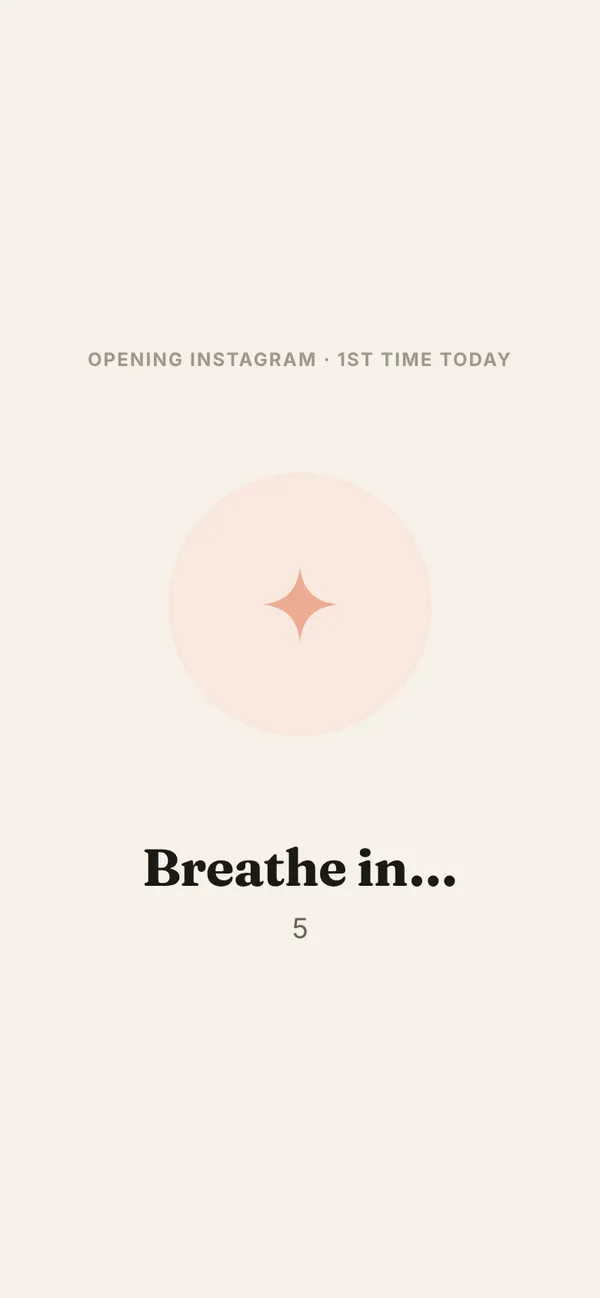
Breathe
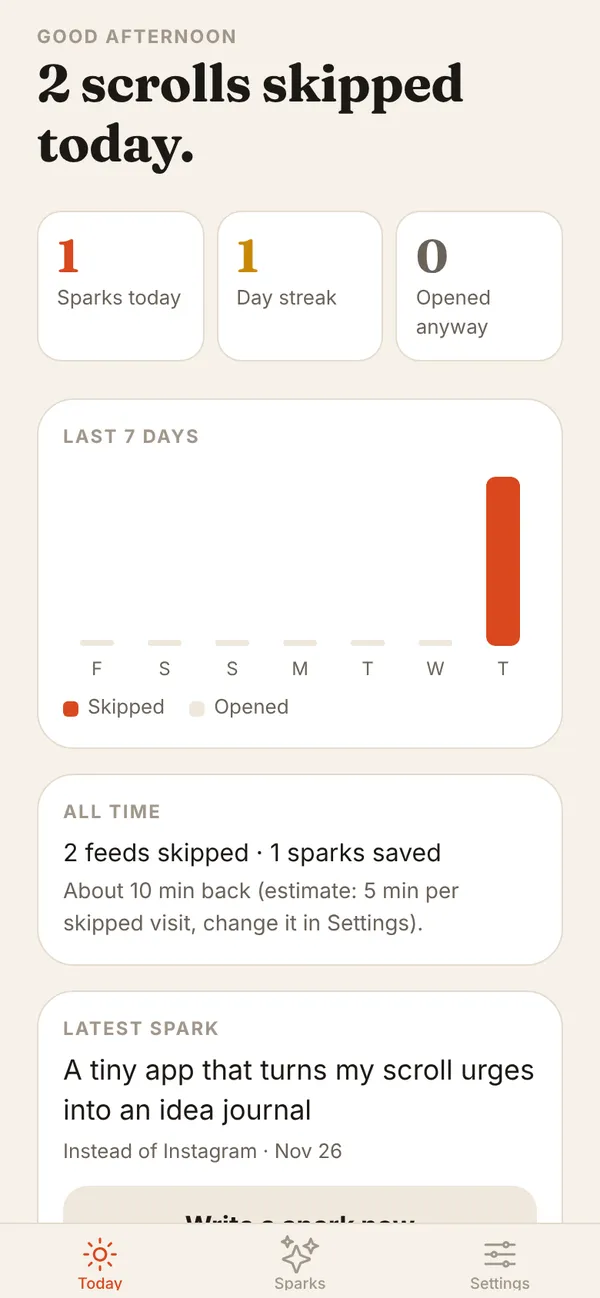
When you open a feed you chose, ScrollSpark steps in for a few calm seconds. That short gap breaks the reflex of opening it on autopilot.
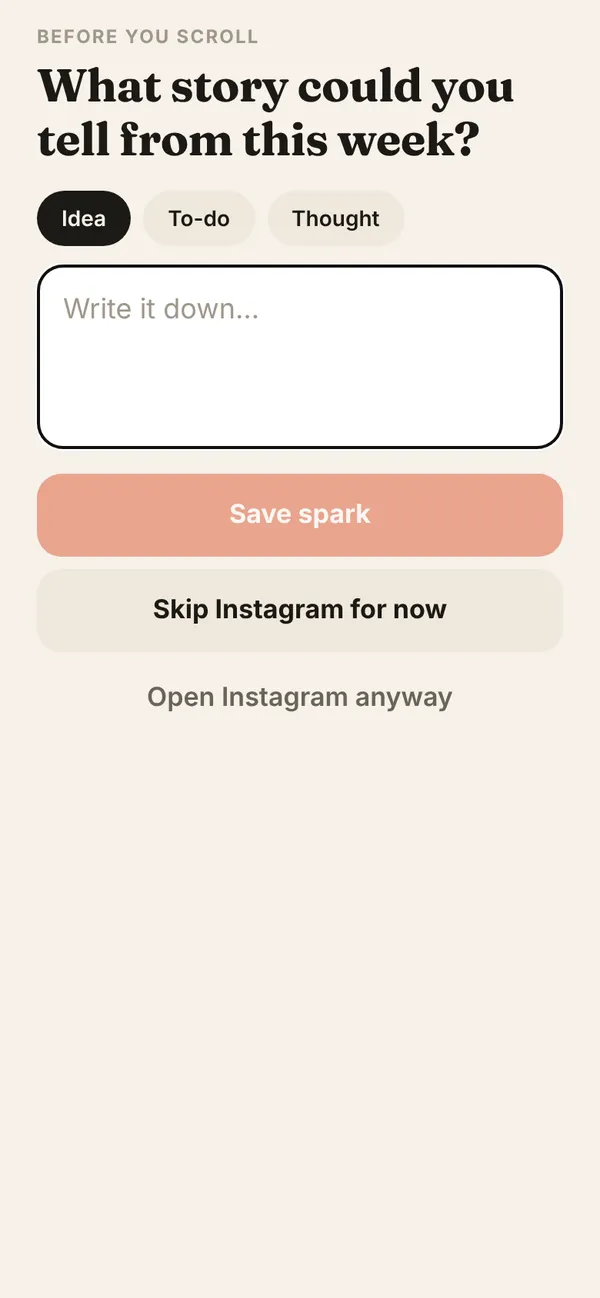
Spark
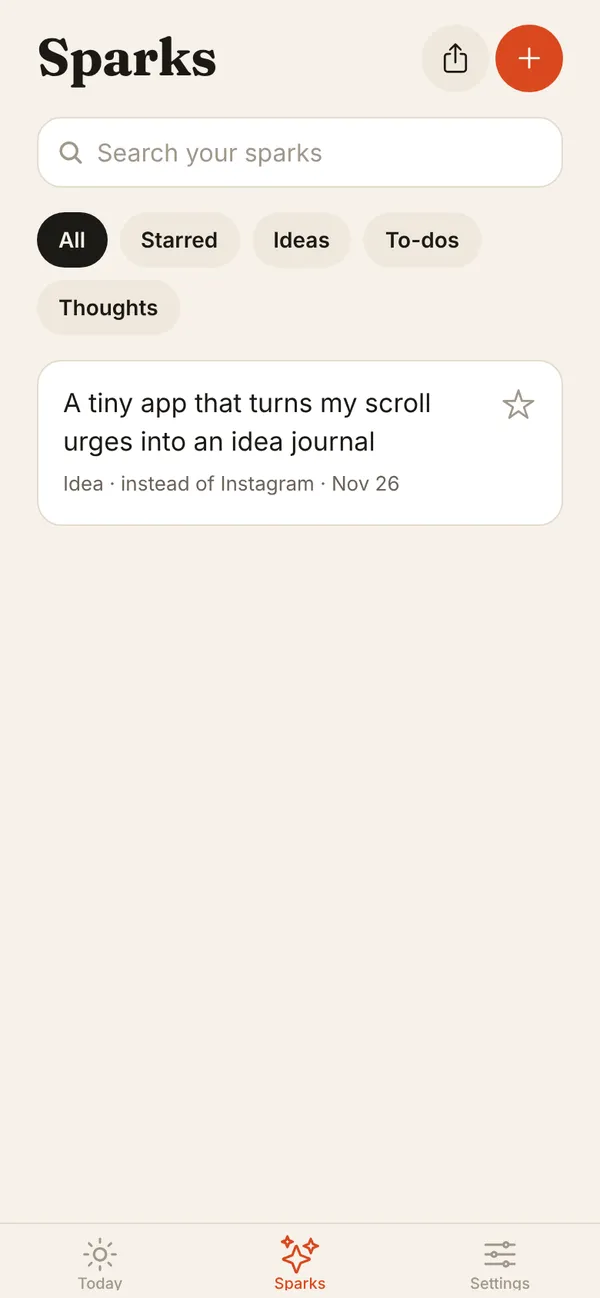
Answer one quick prompt: an idea, a to-do or a thought. It lands in your private spark journal.
Choose
Skip the feed, or give yourself a 1, 5 or 15-minute pass. No hard locks, no guilt trips.
A closer look
Why a pause works
Researchers at the Max Planck Institute and Heidelberg University studied a pause-before-opening app. Over six weeks, people opened the apps they chose far less often, and said they were happier with how they used them. ScrollSpark builds on that idea and adds something to do with the moment: write down a spark.
Source: Grüning et al., "Directing smartphone use through the self-nudge app one sec", PNAS, 2023. ScrollSpark is not affiliated with one sec.
Private by design
ScrollSpark has no accounts, no analytics and no ad trackers. Your sparks and history are stored only on your iPhone. Delete the app, or tap "Erase all data", and they're gone.
Questions
Does ScrollSpark block apps?
No. It adds a short, calm pause and a prompt. If you still want to scroll, you give yourself a pass of 1, 5 or 15 minutes. You stay in control.
How does it know when I open Instagram or TikTok?
On iPhone you add a Shortcuts automation, "When Instagram is opened", that runs two ScrollSpark actions. The app walks you through it; it takes about a minute per app.
What happens to the ideas I write?
They stay on your phone in your spark journal. You can search, star, edit, share or delete them. Nothing is uploaded.
Is ScrollSpark free?
Yes. Version 1 is free, with no ads and no account.
Does it work on Android?
iPhone comes first. Android is planned.
Can ScrollSpark see what I do inside other apps?
No. It only knows that the pause was shown and what you chose: saved a spark, skipped, or opened the app anyway.